shop-telegram-bot
Shop in telegram with admin panel
Technology stack
Java 17, Maven, Spring 3 (Boot, MVC, Data, Security), Hibernate, Postgresql, Freemarker, HTML, Telegram Bots
Notes before deploy
- Telegram bot sends images as a link, if they are uploaded from the localhost, the bot will not be able to send them
- Telegram bot does not support raw ip address for sending images, you should use domain instead
How to deploy with docker
mvn -f shop-telegram-bot/admin-panel/ package
mvn -f shop-telegram-bot/telegram-bot/ package

docker build -t shop-admin-panel shop-telegram-bot/admin-panel/
docker build -t shop-telegram-bot shop-telegram-bot/telegram-bot/

docker-compose -f shop-telegram-bot/docker-compose.yml up -d
How to deploy manually
- Install software
- Update and upgrade
sudo apt-get update && sudo apt-get upgrade - Install git
apt-get install git - Install maven
apt-get install maven - Install jdk 17
apt-get install openjdk-17-jdk - Install postgres
apt-get install postgresql postgresql-contrib - Install nginx
apt-get install nginx - Clone repository
git clone https://github.com/ivan-zaitsev/shop-telegram-bot.git - Package admin panel
mvn -f shop-telegram-bot/admin-panel/ package - Package telegram bot
mvn -f shop-telegram-bot/telegram-bot/ package
- Set environment variables
Add database environment variables.
- DATABASE_URL (jdbc:postgresql://localhost:5432/shop_telegram_bot)
- DATABASE_USERNAME (postgres)
- DATABASE_PASSWORD (postgres)
Or you can manually change configuration in properties telegram-bot/src/main/resources/hibernate.cfg.xml
and admin-panel/src/main/resources/application.properties
- Create telegram bot
- Create a telegram bot here and enable inline mode in settings
- Add telegram bot username and token to properties
telegram-bot/src/main/resources/application.properties - To receive notifications about new orders you need specify your chat id in properties
- Set up database
Replace your-directory with directory where the cloned repository is located
- Login postgres user
sudo -i -u postgres - Connect postgres database
psql - Change password
\password - Create database
create database shop_telegram_bot; - Exit from postgres database
\q - Import database schema
psql -d shop_telegram_bot < /your-directory/shop-telegram-bot/resources/1_db_schema.sql - Import database data
psql -d shop_telegram_bot < /your-directory/shop-telegram-bot/resources/2_db_data.sql - Exit from postgres user
exit
- Set up admin panel
Create systemd unit
Replace `your-directory` with directory where the cloned repository is located `nano /etc/systemd/system/shop-admin-panel.service` ``` [Unit] Description=shop-admin-panel After=syslog.target [Service] WorkingDirectory=/your-directory/shop-telegram-bot/ ExecStart=/usr/bin/java -jar /your-directory/shop-telegram-bot/admin-panel/target/admin-panel-1.0.0.jar StandardOutput=journal StandardError=journal SyslogIdentifier=shop-admin-panel SuccessExitStatus=143 Type=simple Restart=always [Install] WantedBy=multi-user.target reboot.target default.target poweroff.target ``` `systemctl daemon-reload` `systemctl enable shop-admin-panel.service` `systemctl start shop-admin-panel.service`Nginx configuration
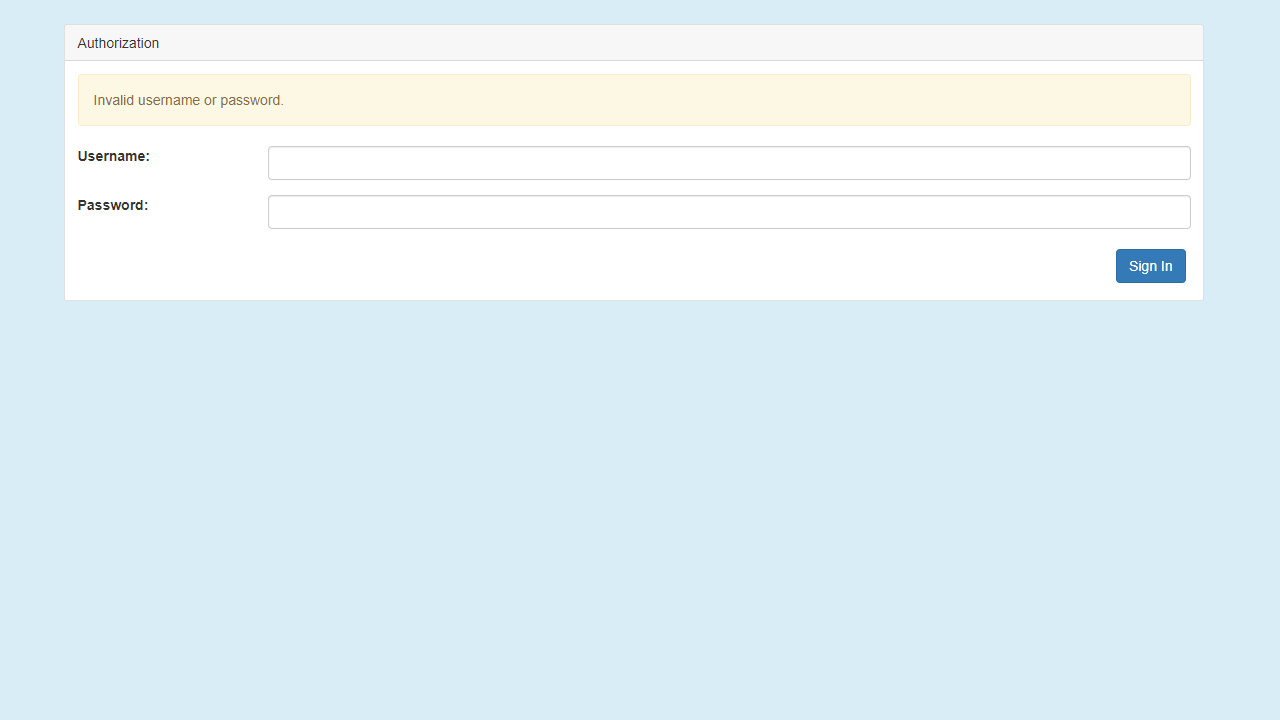
Replace `your-domain.com` with your domain (domain is needed for correct sending of product photos) `nano /etc/nginx/conf.d/your-domain.com.conf` ``` server { listen 80; server_name your-domain.com; index index.html; include conf.d/shop-admin-panel.include; } ``` `nano /etc/nginx/conf.d/shop-admin-panel.include` ``` location /admin { proxy_pass http://127.0.0.1:8080; proxy_set_header Host $host; proxy_set_header X-Real-IP $remote_addr; proxy_set_header X-Forwarded-For $proxy_add_x_forwarded_for; client_max_body_size 1024m; } ``` `systemctl restart nginx`Web UI is accessible on http://localhost:8080/admin, default credentials - admin:admin
- Set up telegram bot
Create systemd unit
Replace `your-directory` with directory where the cloned repository is located `nano /etc/systemd/system/shop-telegram-bot.service` ``` [Unit] Description=shop-telegram-bot After=syslog.target [Service] WorkingDirectory=/your-directory/shop-telegram-bot/ ExecStart=/usr/bin/java -jar /your-directory/shop-telegram-bot/telegram-bot/target/telegram-bot-1.0.0-jar-with-dependencies.jar StandardOutput=journal StandardError=journal SyslogIdentifier=shop-telegram-bot SuccessExitStatus=143 Type=simple Restart=always [Install] WantedBy=multi-user.target reboot.target default.target poweroff.target ``` `systemctl daemon-reload` `systemctl enable shop-telegram-bot.service` `systemctl start shop-telegram-bot.service`Screenshots
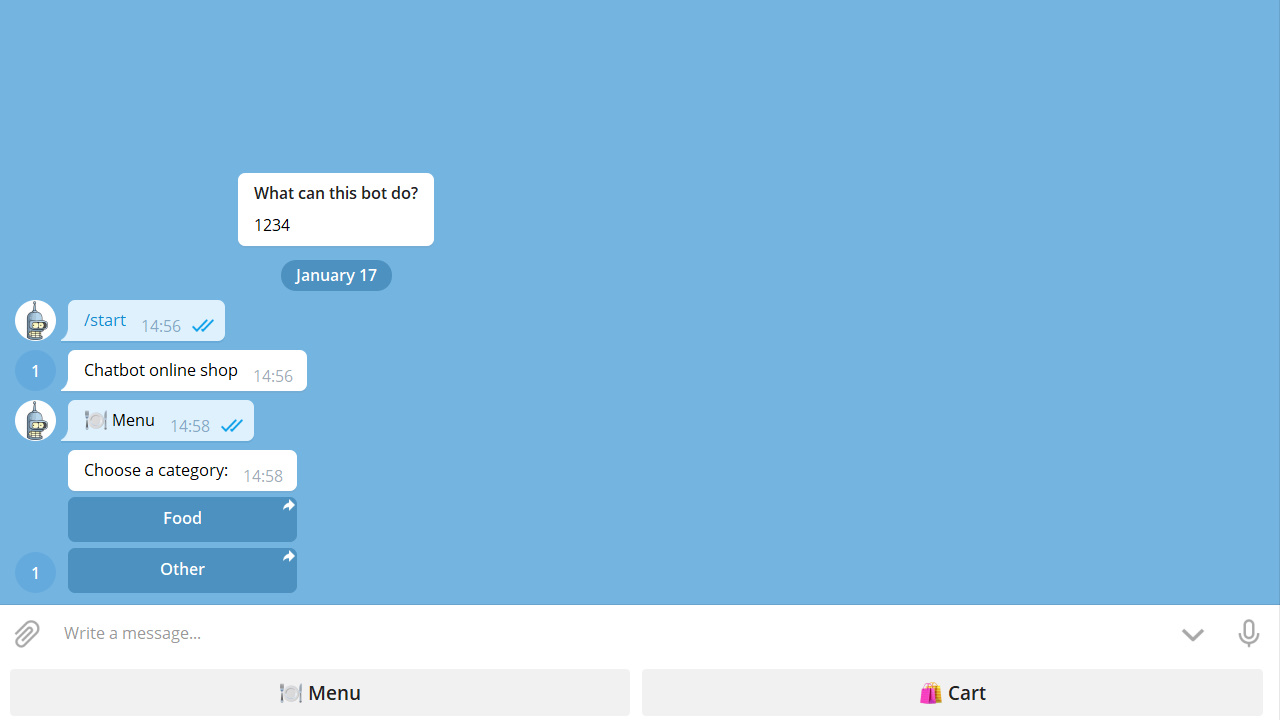
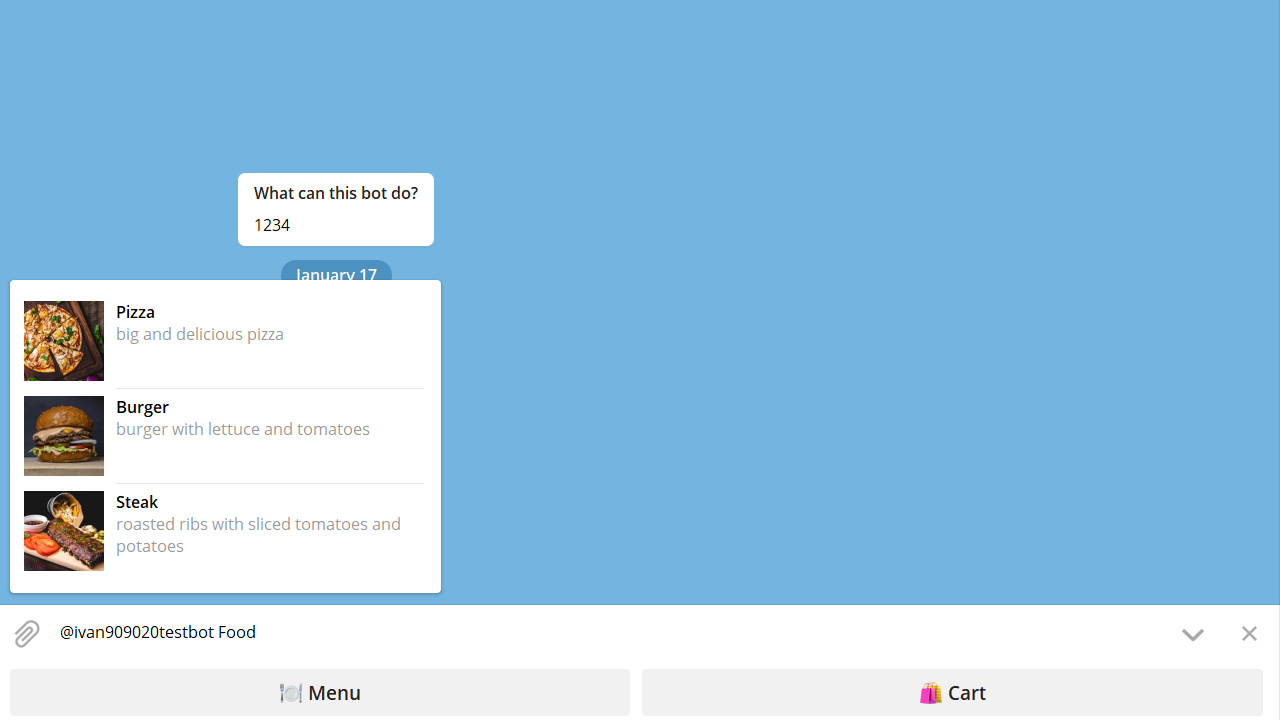
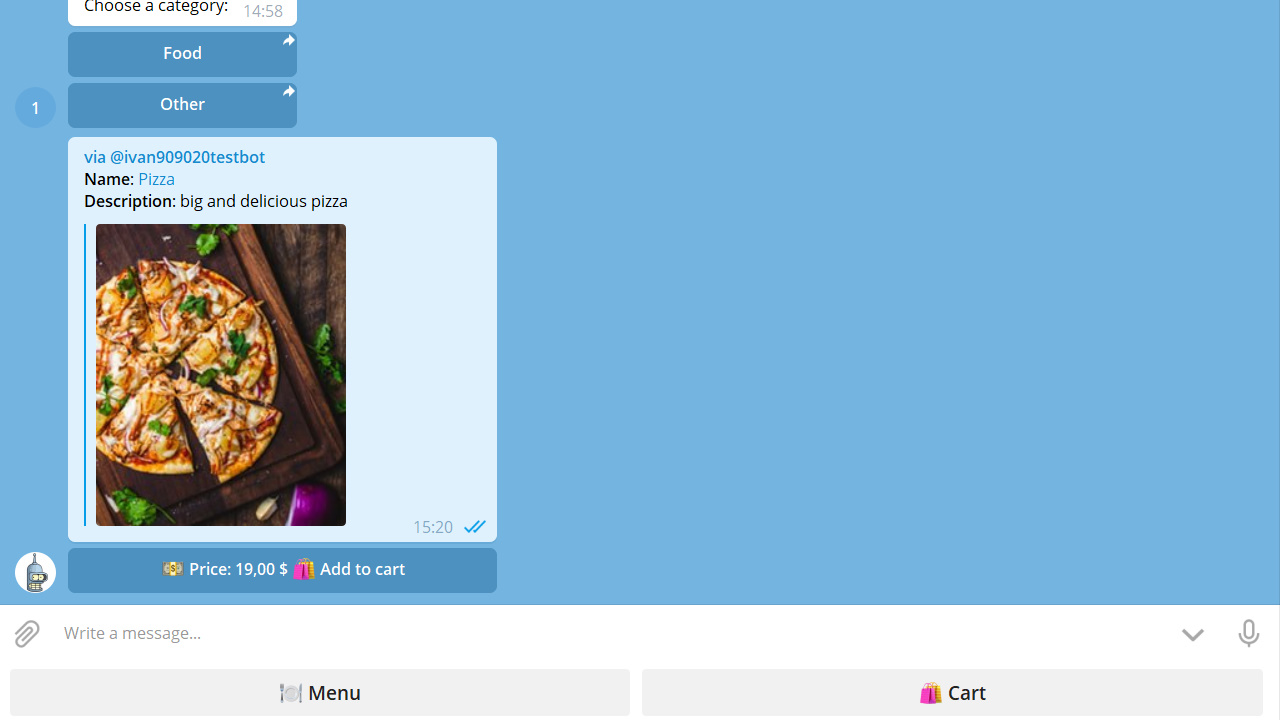
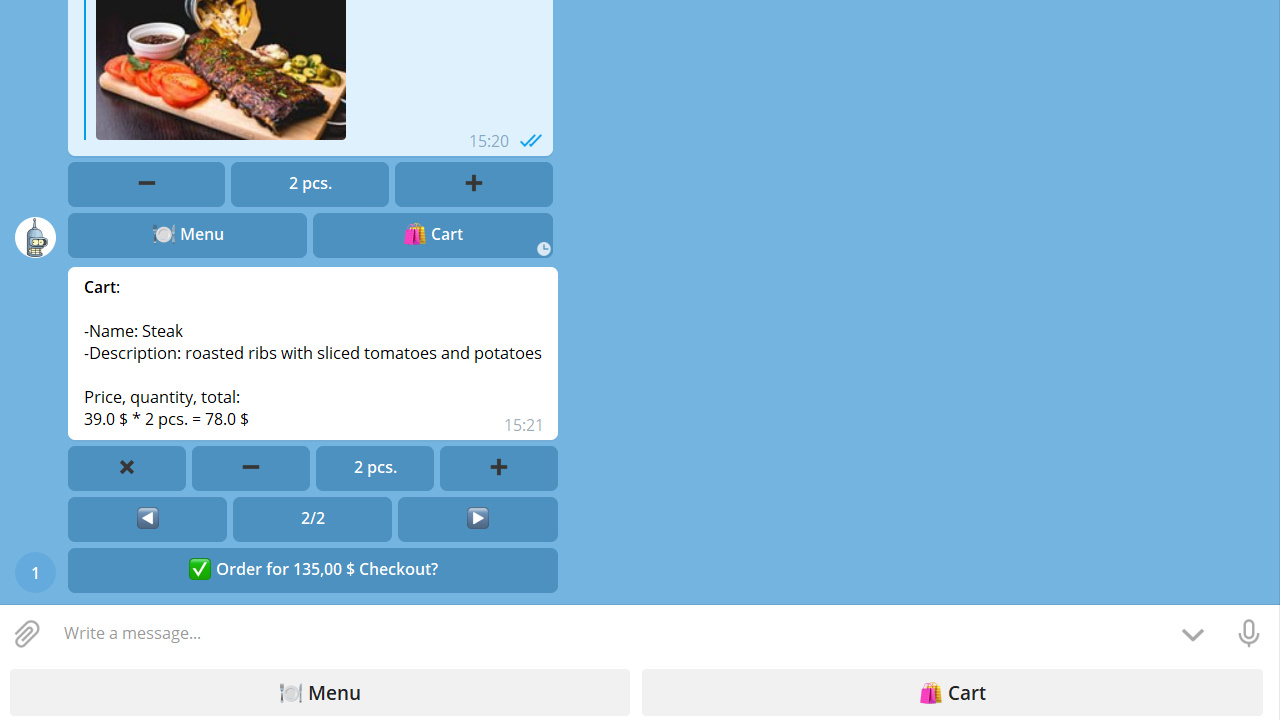
Chatbot

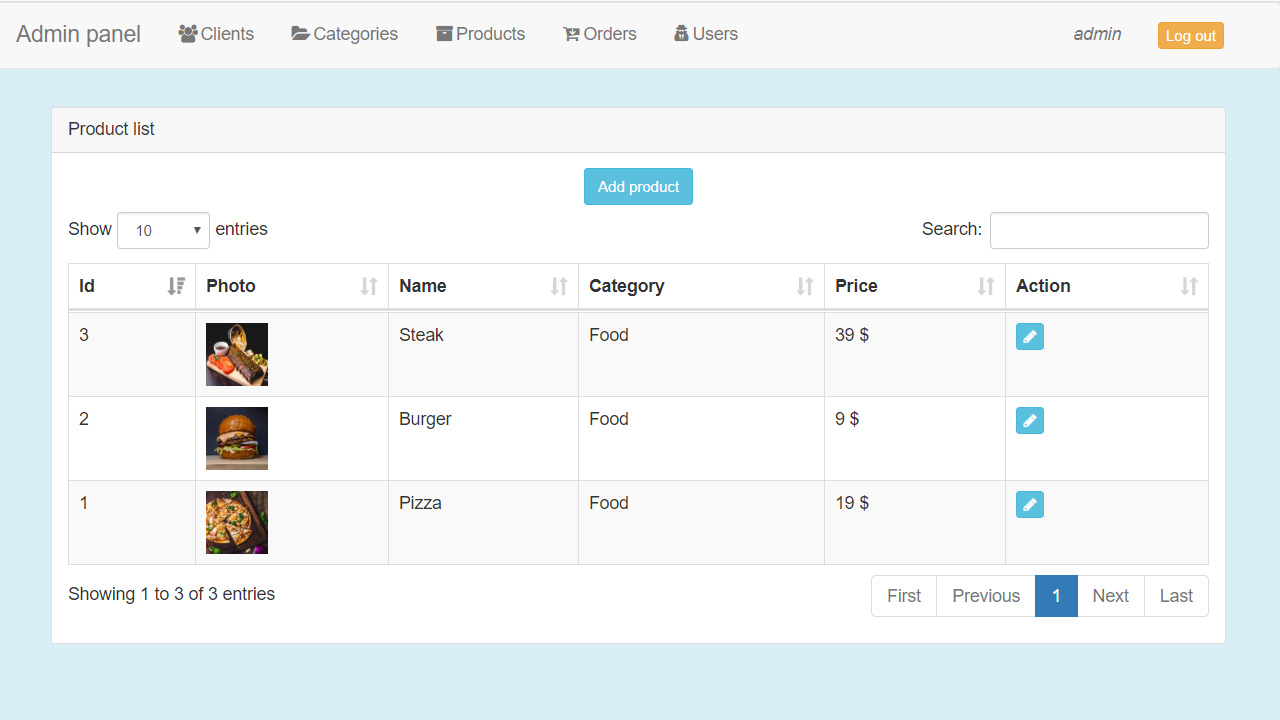
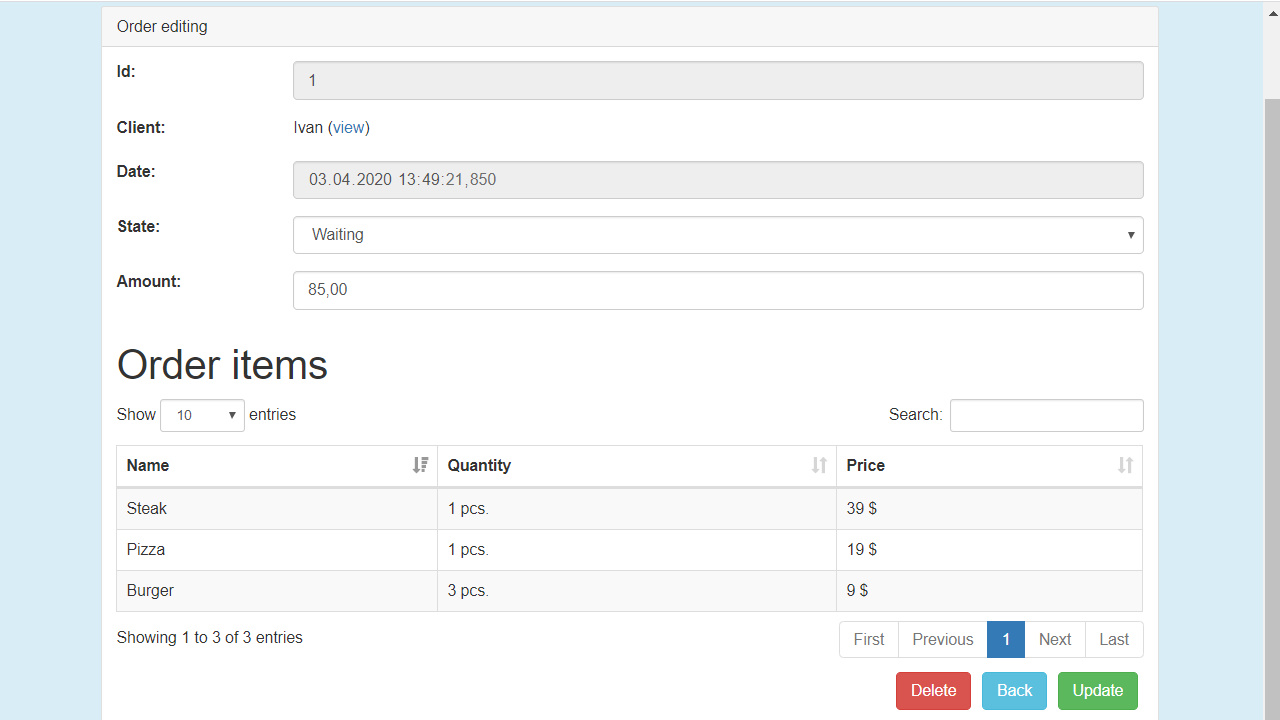
Admin panel